Starting point: no off-the-shelf themes
Starting point: no off-the-shelf themes
I needed a new website, but I didn't want to start with a theme from WordPress.org or ThemeForest. The reason is technical, not aesthetic: an off-the-shelf theme comes with its own assumptions about how content should be structured, which hooks are available, and how the customizer fields fit together. When you want to build something specific, you often end up fighting against the theme's structure instead of using it.
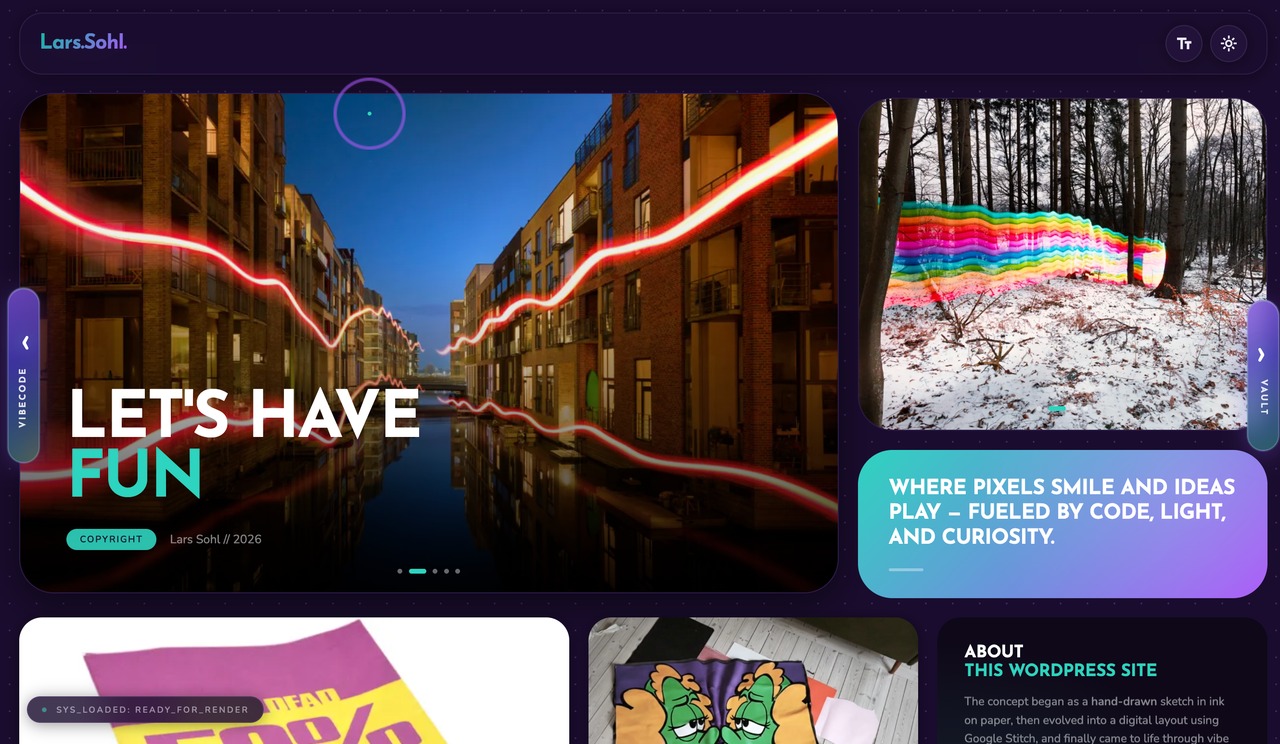
So I chose to build a child-theme-free custom theme from scratch - my own functions.php, my own template files, and my own ACF fields (Advanced Custom Fields) for the content blocks I actually needed on the homepage: slideshow, CTAs, gallery.
AI as a pair programmer, not a generator
I used Claude throughout the process, but not to generate a finished site from a single prompt. The workflow was more like traditional pair programming: I described a function, got a code suggestion, tested it locally, and provided feedback when something didn't work or looked wrong. It still requires you to understand what you're asking for - you need to be able to read the PHP and JavaScript being written and know whether the solution is secure and performant enough for production.
That's an important detail for other developers considering working this way: AI reduces the time it takes to go from an idea to working code, but it doesn't eliminate the need to understand the architecture.
Track Status: a plugin as a test of the architecture
The technically most interesting part of the project was a standalone plugin called Track Status. The purpose is simple: an administrator should be able to change the status of a motocross track from a phone, and the status should be displayed live on the website.
The solution consists of a few concrete components:
A PWA for the phone with PIN login Session tokens signed with HMAC-SHA256 PIN codes hashed with bcrypt, not stored in plain text Rate limiting on the login endpoint to prevent brute-force attacks Offline cache, so the status is still displayed if the connection drops A dashboard in the WordPress admin for managing colours, texts, and quick messages
This is the kind of functionality you would normally build as a separate web app with its own API. Here, it instead lives as a WordPress plugin that communicates with the core through REST API endpoints and uses WordPress' own user and nonce system as part of the security layer.
Why WordPress was still the right choice
The obvious question is why use WordPress at all when you're building most of it yourself anyway. The answer is that WordPress solves a number of boring but necessary problems: user management, media library, database abstraction, and an admin UI you don't have to build from scratch. By building the theme and plugins on top of that foundation, you get a solution that is custom-built where it matters and standardized where it doesn't.
The conclusion
What's interesting about the project isn't that AI can write code - that's well known. What's interesting is that the combination of design understanding and AI-assisted development makes it realistic to build more specialized solutions as a solo developer than you might have taken on in the past. You still need to know what you want to build, and you still need to be able to read and evaluate the code - AI is the tool, not the architect.
Written by Lars Sohl